For many SMB and mid-market leaders, the question is no longer whether to use AI. It’s where AI can create real business value without adding complexity, risk, or another software subscription that never gets adopted.
That’s why more companies are exploring AI agents for small business use cases as a practical alternative to adding headcount for repetitive, process-heavy work.
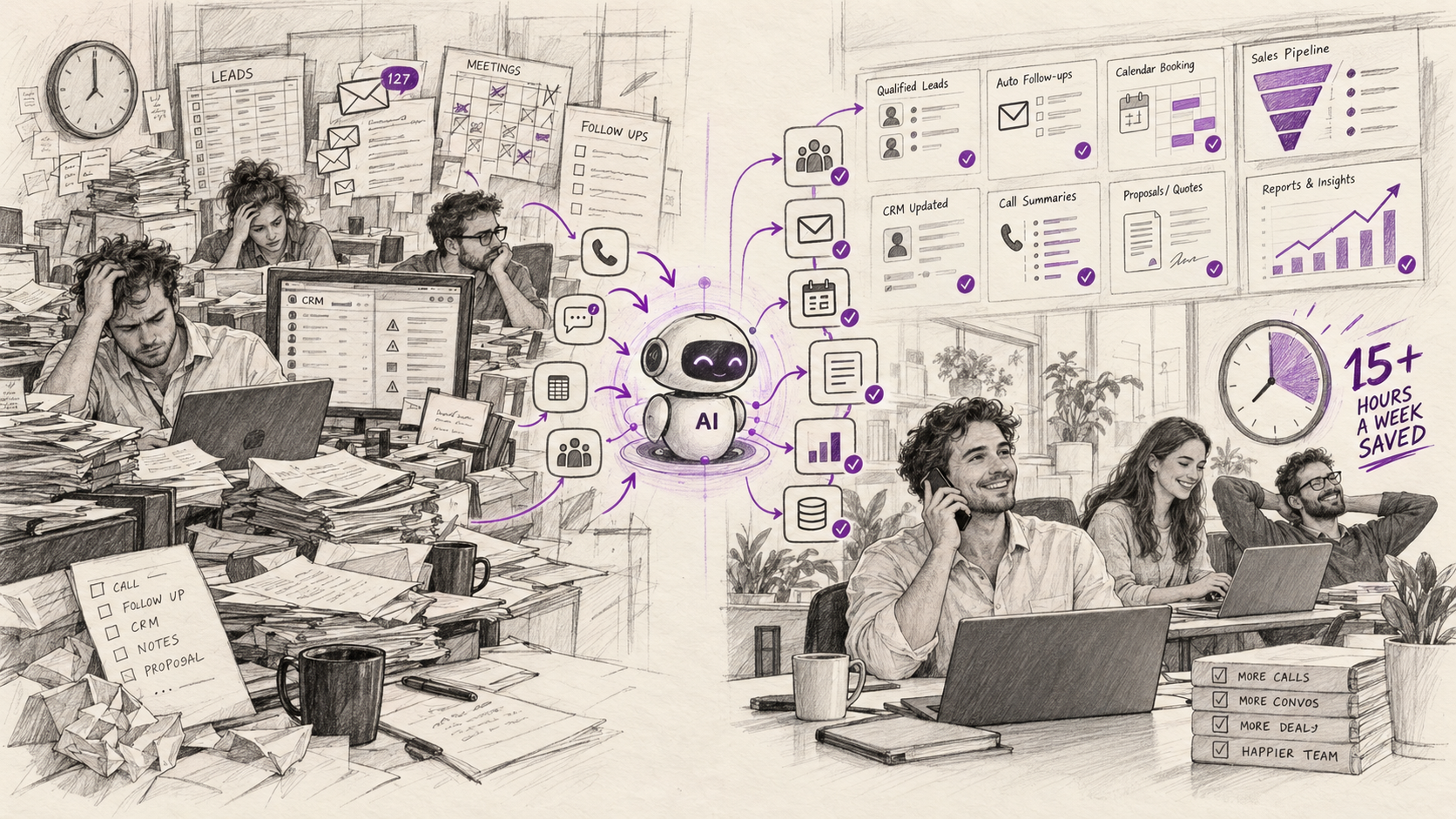
In the right role, an AI agent can function like a digital employee: handling routine tasks, following defined workflows, working around the clock, and integrating with the systems your team already uses. But that does not mean AI replaces people across the board. It means some tasks are better handled through automation, while your team stays focused on judgment, relationships, and higher-value work.
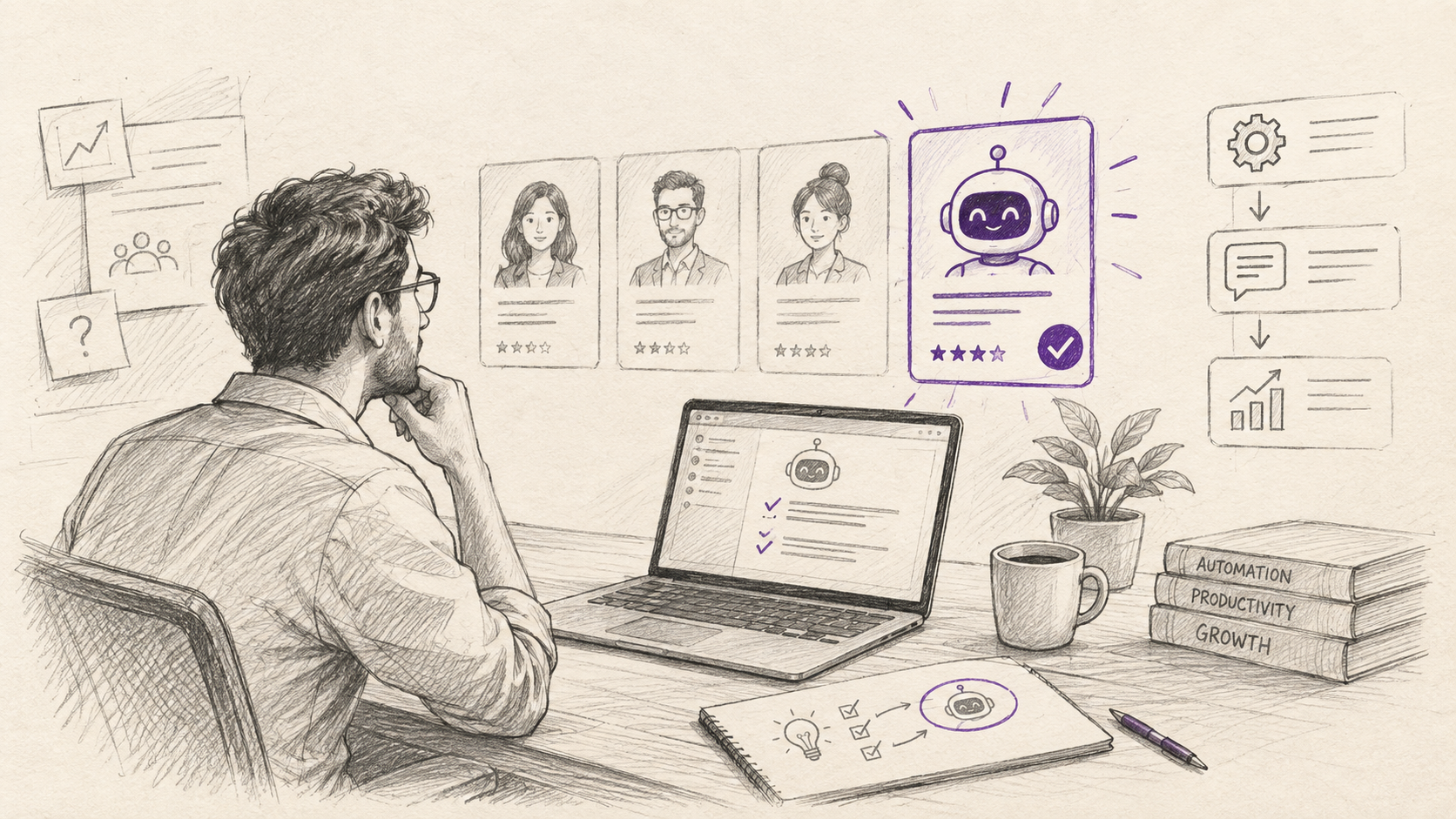
If you’re deciding whether your next “hire” should be a person, an outsourced provider, or an AI-powered workflow, this guide will help you evaluate the business case clearly.
When an AI agent makes more sense than a new hire
The best candidates for AI digital employees for SMB are not broad executive roles or highly strategic positions. They are narrow, repetitive workflows with clear rules, measurable outputs, and enough volume to justify automation.
Common examples include:
- Invoice reminders and accounts receivable follow-up
- Lead capture and first-response outreach
- Customer support triage and FAQ handling
- Data entry and document extraction
- Ticket routing and internal request handling
- Appointment scheduling and follow-up
These are often the same responsibilities companies assign to junior hires, outsourced teams, or overextended internal staff.
Where AI agents usually win
AI agents tend to outperform a new hire when the work is:
- Repetitive and rules-based
- High-volume but low-complexity
- Time-sensitive or needs 24/7 coverage
- Prone to human error when done manually
- Spread across disconnected systems like CRM, email, accounting, and helpdesk tools
For example, an AI agent can send payment reminders, log responses, escalate exceptions, and keep follow-up moving without someone chasing invoices manually every day. Likewise, a lead response agent can reply within minutes instead of hours, improving speed-to-lead without forcing your sales team to monitor every inbound inquiry.
Where human employees still matter most
This is where many businesses get AI wrong: they automate too broadly or expect technology to handle work that depends on judgment, trust, or nuanced decision-making.
Human oversight is still essential for:
- Complex sales negotiations
- Strategic finance decisions
- Sensitive customer issues
- People management and coaching
- Exception handling that requires business context
The strongest approach is not AI agents vs human employees cost comparison as an either-or debate. It’s deciding which parts of the job should be automated and which should remain human-led.
How to build the business case: ROI, metrics, and payback
A practical AI project should be evaluated like any other investment. If you cannot define the expected business outcome, it is too early to implement.
Start with one clear goal per agent, such as:
- Reduce overdue invoices by 20%
- Cut first-response time in half
- Increase booked meetings by 15%
- Save 30 staff hours per week
- Reduce ticket misrouting and manual rework
A simple ROI formula
A straightforward way to estimate AI automation ROI for small business is:
ROI = (Annual value created - annual cost) / annual cost x 100
Value created may include:
- Labor hours saved
- Faster cash collection
- Higher lead conversion
- Lower error rates
- Reduced outsourcing spend
- Improved service responsiveness
A simple example
Imagine a business is considering hiring a coordinator to manage invoice reminders and payment follow-up. A full-time hire might cost:
- Salary: $45,000
- Benefits, taxes, overhead: $10,000+
- Total annual cost: roughly $55,000 or more
Now compare that with an AI agent plus implementation and integration costs. If the total annual investment is significantly lower and it helps reduce days sales outstanding, improve collections, and save finance team time, the business case becomes clear quickly.
In many repetitive workflows, companies are seeing first-year ROI in the 250–340% range, with payback often within 2–5 months when the use case is tightly scoped and measurable.
That doesn’t mean every AI initiative will succeed. It does mean strong projects usually share the same traits:
- A narrow use case
- Clear baseline metrics
- Fast deployment
- Low operational friction
- Measurable financial impact
As a rule of thumb, a 3–6 month payback period is a useful sanity check. If a proposed AI agent cannot reasonably pay back in that timeframe, the scope may be too broad, the use case may be weak, or the process may not be ready.
A practical first 90 days roadmap
One of the most effective answers to how to implement AI agents in mid-market companies is also the simplest: start small, measure hard, and scale only what works.
Days 0–30: Audit workflows and identify the right pilot
Review the systems and workflows your team already depends on:
- CRM
- Accounting platform
- Helpdesk
- Scheduling tools
- Shared inboxes
- Internal request workflows
Look for work that is repetitive, manual, and high volume. Good early opportunities include:
- Invoice reminders
- Lead follow-up
- FAQ responses
- Ticket classification
- Form processing
- Internal approvals and routing
The goal is not to automate everything. It is to identify one process where improvement will be obvious and measurable.
Days 31–60: Launch one narrow pilot
This is where a strong SMB AI automation pilot strategy matters.
Define:
- The exact task the agent owns
- The systems it needs to access
- The rules it follows
- The escalation path to a human
- The KPI baseline and target outcome
For example, if the pilot is lead response, your KPIs might be:
- Average response time
- Lead-to-meeting conversion rate
- Number of leads touched within 5 minutes
Keep the pilot narrow. Avoid stacking multiple tools and automations into one project. Complexity is one of the biggest reasons SMB AI projects stall.
Days 61–90: Measure, decide, and standardize
After enough volume has passed through the workflow, review results against the baseline.
Ask three simple questions:
- Did the agent improve the target KPI?
- Did it reduce workload without creating new problems?
- Is the outcome strong enough to scale?
From there, decide whether to:
- Scale the workflow across teams or regions
- Fix issues in design, prompting, routing, or integration
- Stop the pilot if the business case is not there
Successful pilots should then become part of a repeatable internal AI rollout process.
Governance, security, and change management matter more than most teams expect
Even the best AI agent will fail if it is deployed without clear ownership, permissions, and supervision.
Before launch, define:
- What data the agent can access
- Where that data is stored and processed
- Which actions it can take automatically
- Which situations require human approval
- Who is responsible for monitoring performance
This is especially important when AI agents connect to CRM, accounting, support, or customer communication systems.
Design roles for AI agents clearly
An AI agent should have a defined job description, just like a human employee.
That means clarifying:
- What tasks it owns
- What it should never do
- When it must escalate
- How staff should interact with it
- What success looks like
This reduces risk and helps teams trust the system.
Address team concerns directly
Some employees will hear “AI employee” and assume job replacement. In practice, the better framing is usually this: AI removes low-value administrative work so people can focus on work that requires judgment, creativity, and customer relationships.
That message needs to be backed by action:
- Train teams on how the agent works
- Show where humans stay in control
- Share pilot results openly
- Involve frontline staff in workflow design
How to choose the right AI solution
Not every business needs a custom-built system on day one. But not every business will get results from generic tools alone, either.
There is a big difference between using standalone AI apps and deploying purpose-built agents tied to your processes.
Generic tools are useful, but limited
Tools like ChatGPT, Canva, or Zapier can improve productivity. They are often great starting points. But they usually require employees to drive the work manually.
That is different from an AI agent that can:
- Monitor workflows continuously
- Trigger actions automatically
- Pull data from business systems
- Apply logic and routing rules
- Escalate exceptions to the right person
What to look for in an AI partner or platform
When evaluating solutions, focus on practical criteria:
- Integration with your existing tech stack
- Clear pricing and expected ROI
- Strong security and access controls
- Ability to customize around your process
- Measurable business outcomes, not just features
- Support for pilot design, implementation, and scaling
For many SMBs and mid-market companies, the challenge is not access to AI tools. It is choosing the right use case, designing the workflow properly, and deploying it in a way that actually gets adopted.
That is where working with an implementation partner matters.
Final thoughts
If your business is dealing with repetitive work, slow response times, rising labor costs, or teams buried in manual processes, your next “hire” may not need to be a traditional hire at all.
The right AI agents for small business can deliver meaningful results when they are tied to a specific workflow, backed by clear metrics, and rolled out with proper governance.
The key is to stay practical. Start with one use case. Build a simple ROI model. Pilot fast. Measure honestly. Then scale what works.
At Axyva, we help SMB and mid-market companies identify the best AI opportunities, design custom AI agents and automations, and implement solutions that deliver measurable business value. If you’re exploring where AI fits in your business, it may be worth starting with a focused conversation about the workflows that matter most.